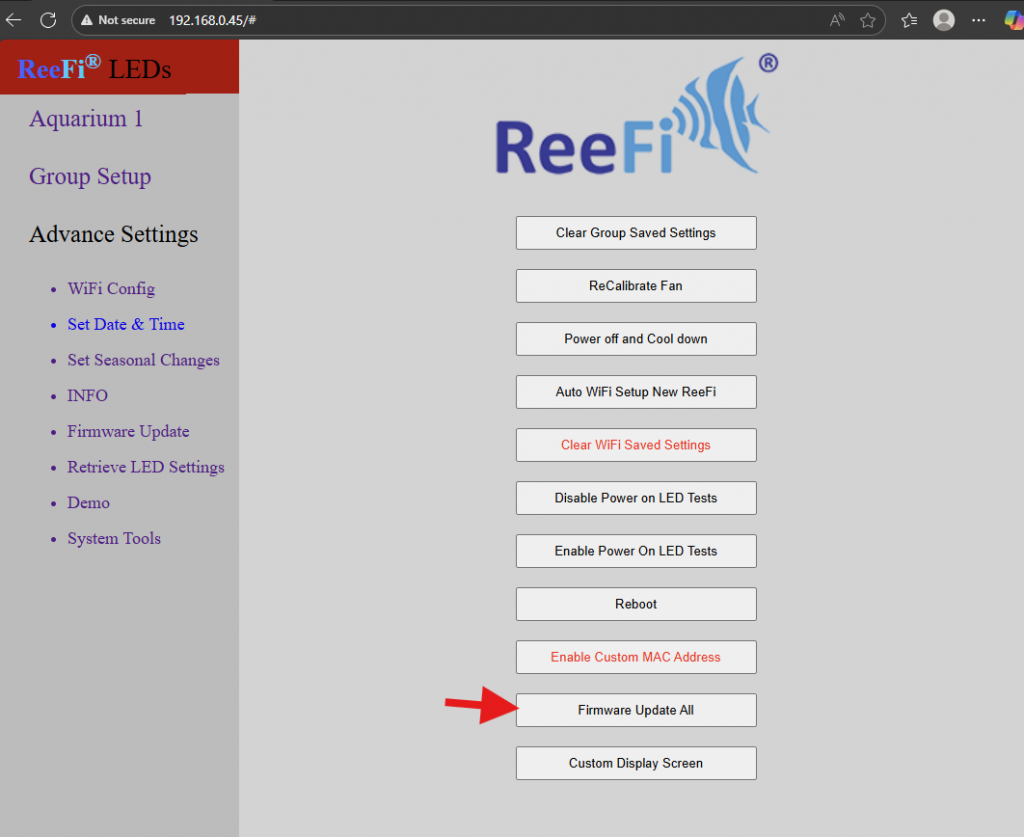
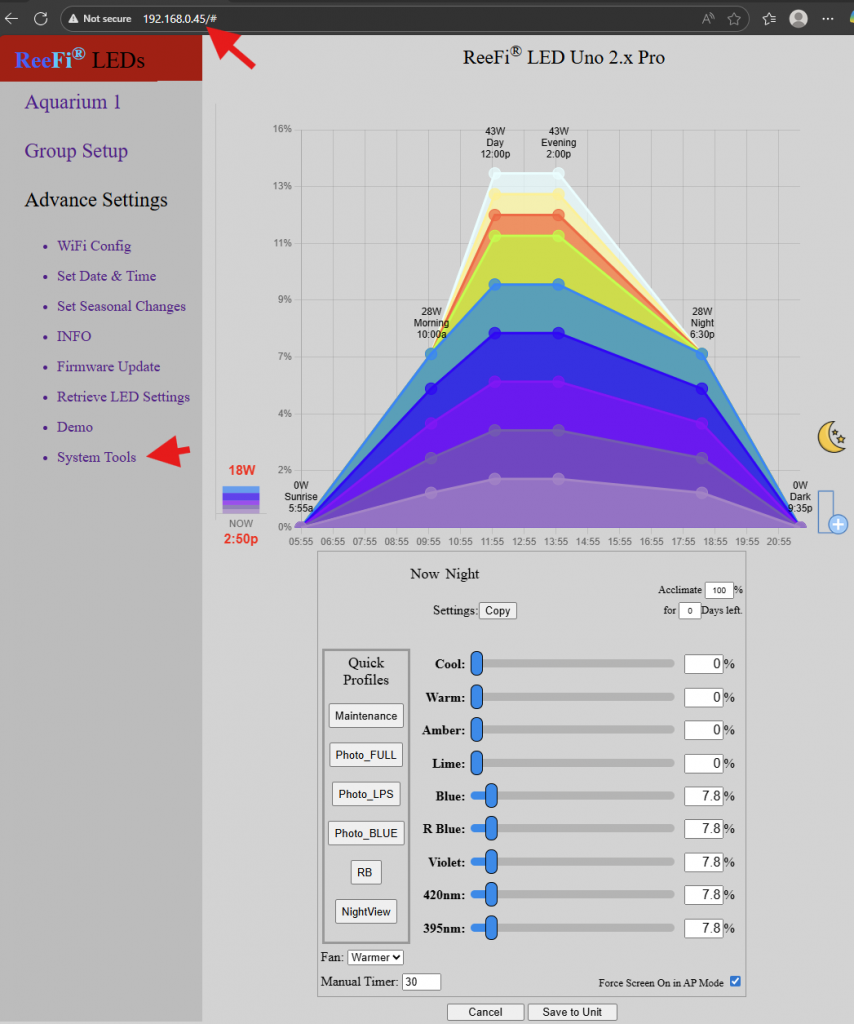
- Open browser and enter ReeFi’s ip address into the URL. ReeFi must be connected to your wifi network, not in AP mode. Select System Tools from Menu.
2. Click on Firmware Update All. Close browser and watch the Display screens of your ReeFi units to see firmware update progress. Once completed, ReeFi will reboot and show latest firmware version.